Stop Typing Purchase Bills
Of all the routine tasks in running a restaurant or shop, entering purchase invoices is the one that gets skipped most often. A supplier hands over a paper bill with 15 line items - vegetables, dairy, packaging, spices - each with its own quantity, unit, and rate. Typing that into a system after a busy shift feels like the last thing anyone wants to do. So it gets set aside "for later," and later often becomes never.
The problem is, skipped purchase entries do not just mean messy paperwork - they mean your stock counts drift from reality, and your GST input credit records fall out of sync with what you actually bought.
The Fix: Photograph the Invoice, Let AI Read It
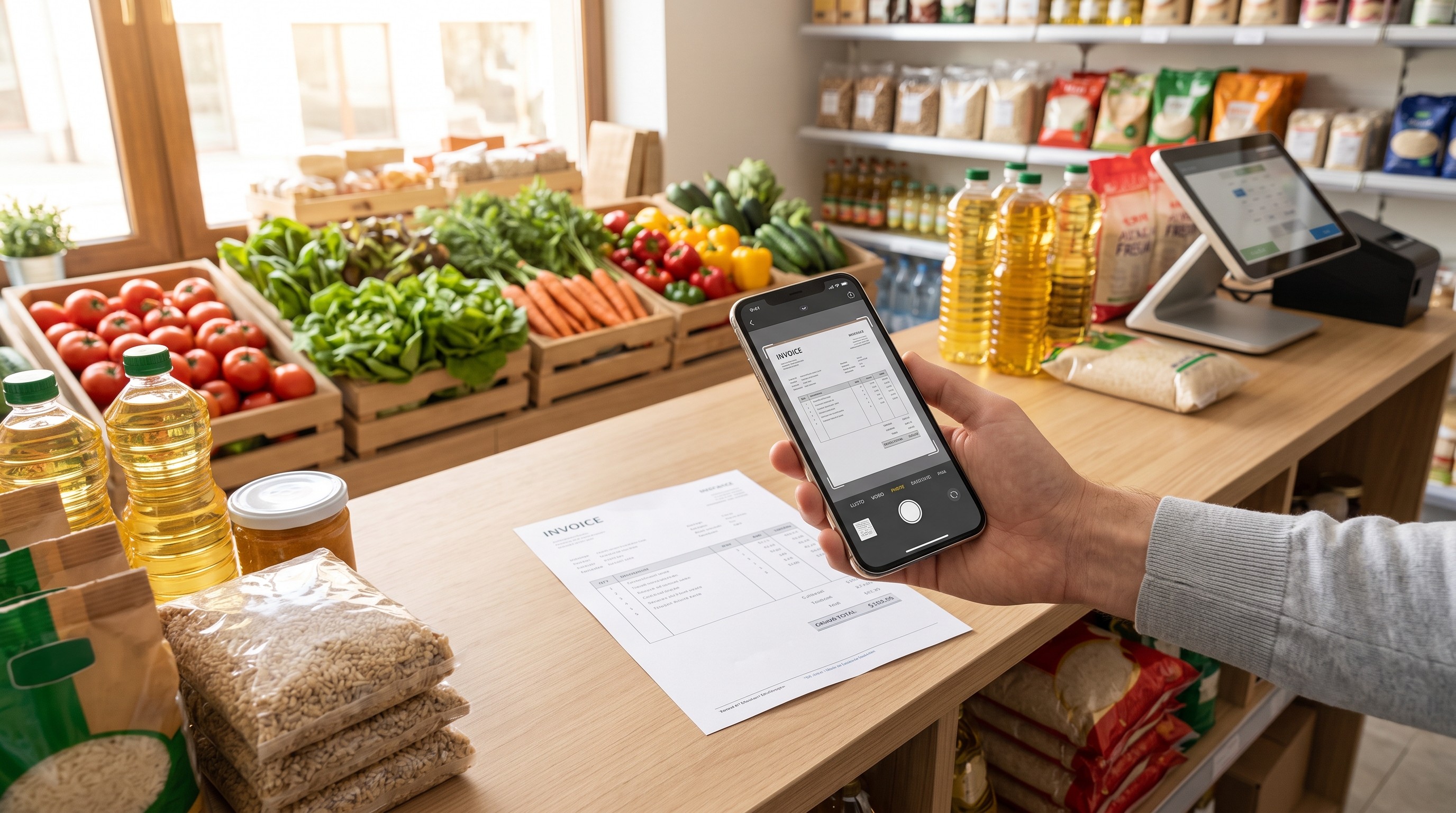
On the Add Purchase page, there is a "Scan Invoice with ShyBiz AI" option. Take a photo of the supplier's invoice - or upload one from your gallery - and the AI reads:
- Invoice date and invoice number
- Supplier name, GST number, and mobile number
- GST type on the invoice
- Every item row - item name, quantity, unit (kg, g, litre, ml, or pieces), unit price, and GST rate
All of this fills directly into the same Add Purchase form you would otherwise type into by hand.
It Handles GST-Inclusive Invoices Too
Not every supplier prints a clean GST-exclusive rate on their invoice - a lot of handwritten or small-supplier bills only show the final, tax-inclusive price. The AI accounts for this: if that is all the invoice shows, it works out the correct pre-tax unit rate using the item's GST rate, so your purchase values calculate correctly without you doing the maths by hand.
Your Supplier Gets Matched Automatically
If the GST number or name on the scanned invoice matches a supplier you already have on file, that supplier is auto-selected. If it is a new supplier, the scanned details (name, GST number, mobile) prefill a "New Supplier" form instead - you just confirm the mobile number and save, rather than typing everything from scratch.
Nothing Is Saved Until You Click Save Purchase
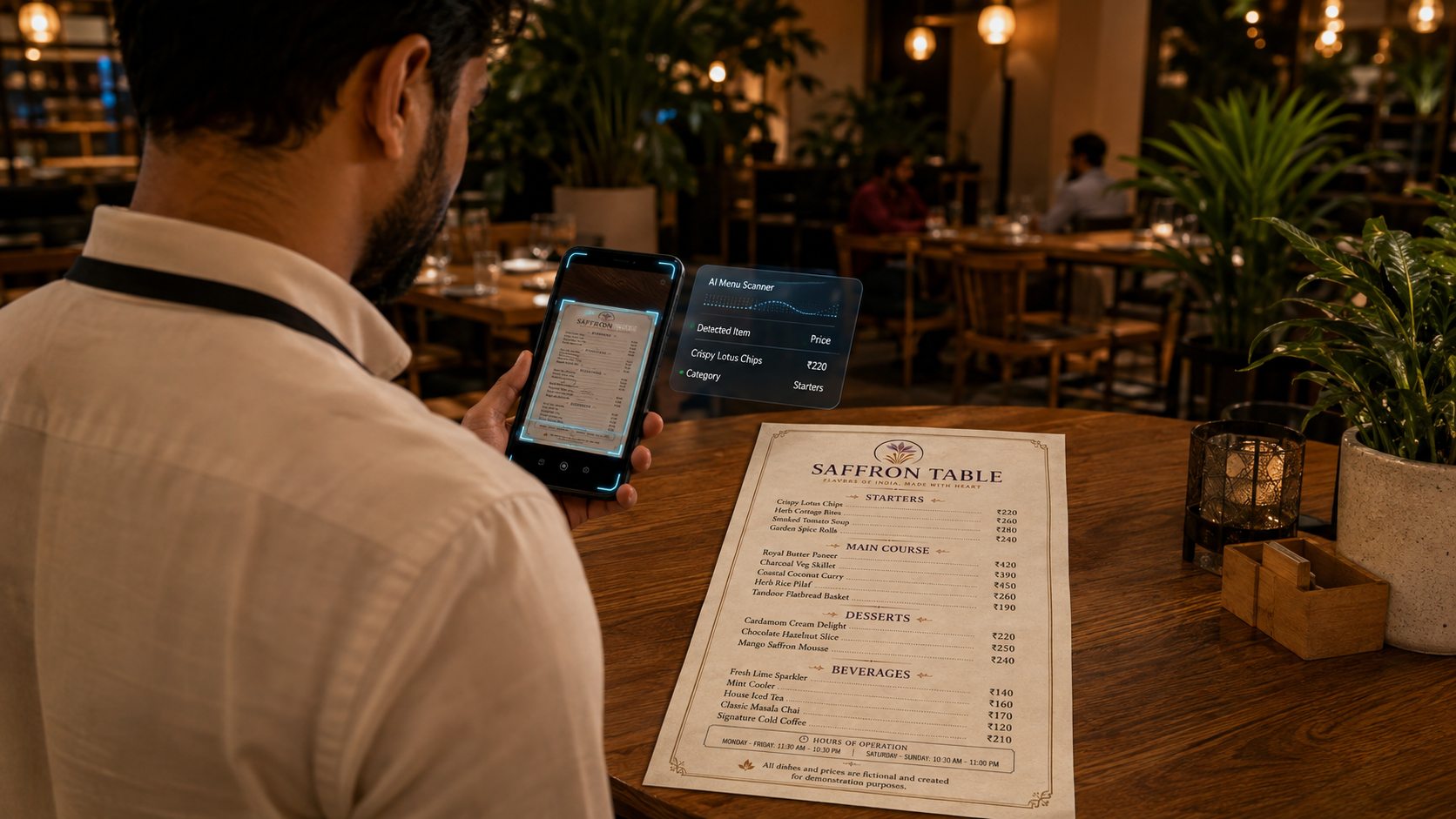
Just like the menu scanner, this feature never writes anything to your records on its own. Every field it fills - the invoice details, the supplier, every item row - lands in the same fully editable Add Purchase form. You review it, correct anything the AI got wrong, and only your final "Save Purchase" tap commits it. The form itself is the review step, so there is no risk of a misread invoice silently corrupting your stock data.
Why This Actually Matters for Your Business
Purchase entry is not just admin work - it is the backbone of three things that affect your bottom line directly:
- Accurate stock levels - every recorded purchase updates your inventory, so what the system shows matches what is actually in your storeroom
- Correct cost tracking - food cost and margin reports are only as good as the purchase rates behind them; a skipped or wrong invoice throws off every cost calculation downstream
- GST reconciliation - your input tax credit depends on your purchase records matching what your suppliers filed; gaps here cost real money at filing time
When entering a bill takes 30 seconds instead of 10 minutes, it stops being the task that gets pushed to "later" - and your records stay accurate because entering them is finally easier than not entering them.
Getting the Best Results
- Flatten the invoice and photograph it in good light - crumpled or shadowed bills are harder for any scanner, human or AI, to read accurately
- Double-check the item unit (kg vs. pieces, etc.) after scanning, especially for handwritten invoices where the unit was not clearly printed
- Always confirm the supplier's mobile number before saving a new supplier - it stays a required, editable field on purpose
Bottom Line
The invoices you are most tempted to skip entering are usually the ones you most need in your system - the small daily supplier runs that quietly make up a big share of your monthly spend. Photographing the bill instead of typing it removes the friction that causes those skips in the first place, which means cleaner stock numbers and cleaner GST records with almost no extra effort on a busy day.